
Wi-Fi vs Zigbee Smart Plugs: Which Is Better?
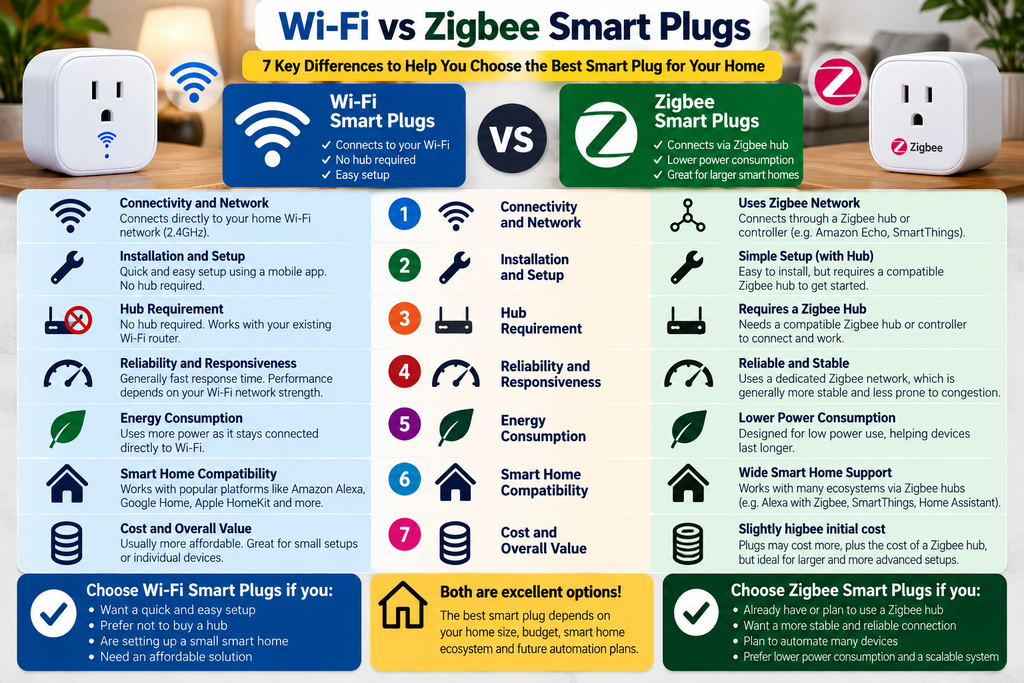
Wi-Fi vs Zigbee smart plugs is an important comparison when choosing the right smart home automation solution. Both technologies allow you to control household appliances remotely, create schedules and automate everyday routines, but they differ in connectivity, installation, compatibility and overall convenience. Wi-Fi smart plugs connect directly to your home wireless network, while Zigbee smart plugs generally require a compatible hub or controller. Understanding these differences will help you make a better choice between Wi-Fi vs Zigbee smart plugs for your home, budget and future automation needs.
Smart plugs are one of the simplest ways to add automation to ordinary household devices, but the way they connect to your smart home can make a significant difference.
Wi-Fi smart plugs usually connect directly to your home Wi-Fi network, while Zigbee smart plugs communicate through a compatible Zigbee hub or controller.
The better choice between Wi-Fi vs Zigbee smart plugs depends on how many smart devices you plan to use, whether you already have a compatible hub and how simple you want your setup to be.
Quick Verdict
Choose Wi-Fi smart plugs if: you want a straightforward setup without purchasing a separate smart-home hub.
Choose Zigbee smart plugs if: you already use a compatible Zigbee hub or plan to build a larger smart-home system with multiple connected devices.
Wi-Fi vs Zigbee Smart Plugs at a Glance
| Feature | Wi-Fi Smart Plugs | Zigbee Smart Plugs |
|---|---|---|
| Connection | Home Wi-Fi | Zigbee network |
| Separate hub | Usually not required | Usually required |
| Initial setup | Generally simpler | Requires compatible hub |
| Larger smart-home setup | Can add Wi-Fi traffic | Designed for mesh networking |
| Internet dependence | Depends on product/platform | Hub may support some local control |
| Best suited to | Simple/smaller setups | Larger integrated smart homes |
Setup and Everyday Use
Wi-Fi smart plugs are attractive because they can often connect directly through an app without requiring another hub. This makes them particularly suitable when you only want to automate a few appliances or lamps.
Zigbee smart plugs require a compatible hub, but they can fit more naturally into a larger Zigbee-based smart-home system. Zigbee devices can also participate in a mesh network, depending on the products and configuration.
Our view: The Choice between Wi-Fi vs Zigbee smart plugs: Wi-Fi is usually the easier starting point. Zigbee becomes more attractive as the number of compatible smart-home devices grows.
Which Should You Choose?
Choose Wi-Fi if you want one or a few smart plugs and prefer the simplest possible setup.
Choose Zigbee if you already have a compatible hub or are deliberately building a larger integrated smart-home system.
The important question isn’t simply which technology is better — it’s which one fits the smart-home ecosystem you are building.
Understanding Zigbee Smart Home Connectivity: When comparing Wi-Fi vs Zigbee smart plugs, understanding how each technology connects to your home network is essential. Wi-Fi smart plugs typically connect directly to your wireless router, while Zigbee smart plugs communicate through a compatible Zigbee hub or controller. Zigbee also supports mesh networking, allowing compatible devices to relay signals across the network. Learn more about this technology from the Connectivity Standards Alliance’s official Zigbee resource.
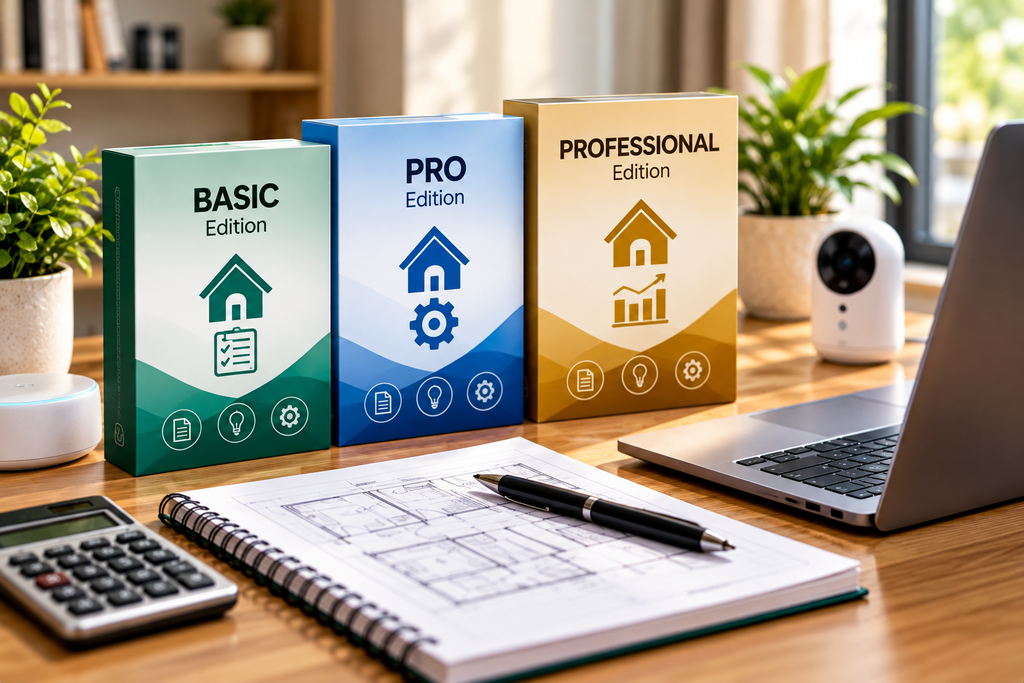
Planning a More Connected Smart Home?
Choosing between Wi-Fi and Zigbee smart plugs is part of building a reliable smart home. Prioritize devices, plan future upgrades and manage your budget with our Home Upgrade Planning Toolkit.
Explore Smart Plugs
Learn more about smart plugs, automation and the features to consider before adding connected devices around your home.